 zapurr
Snap Studio
A photo goes in.
A sticker comes out
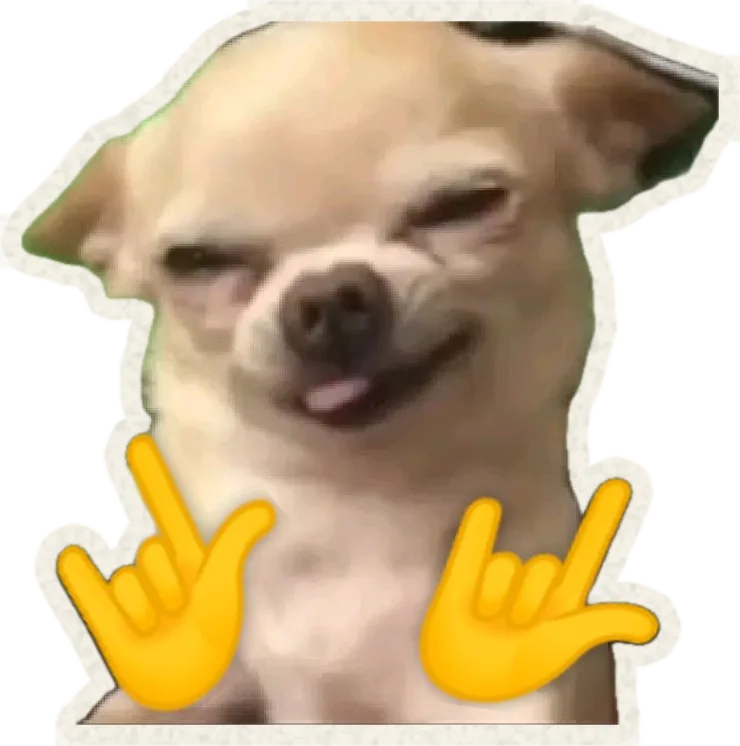
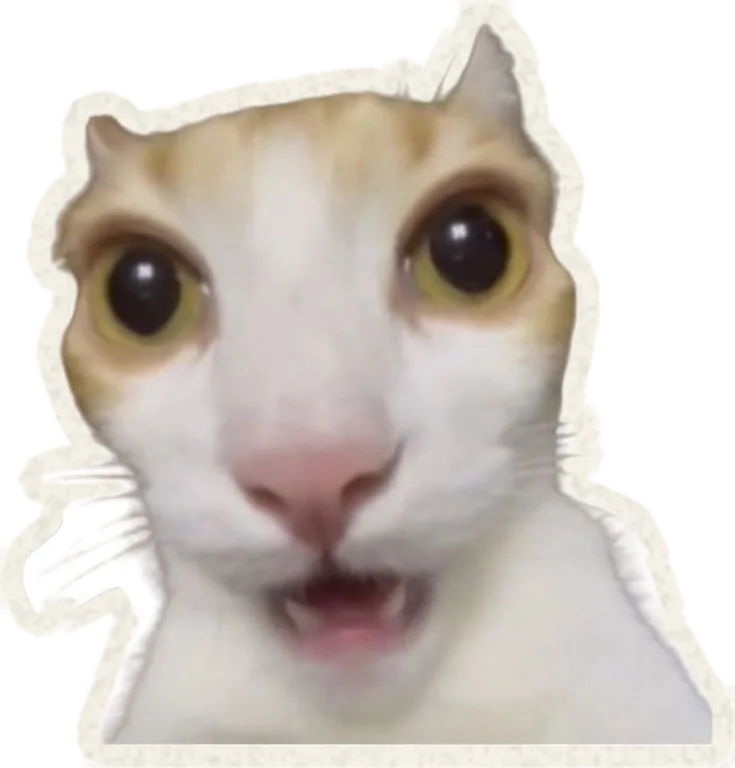
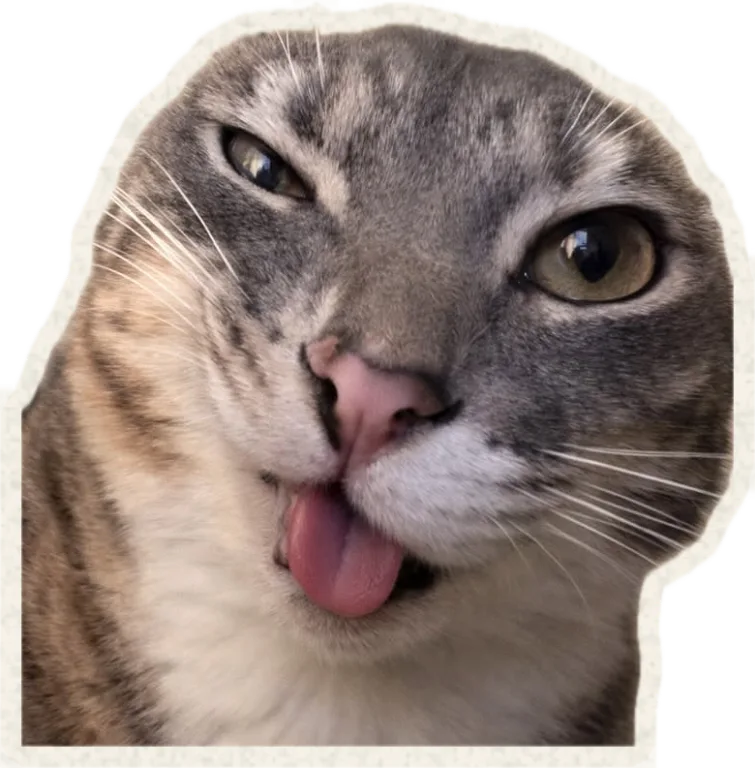
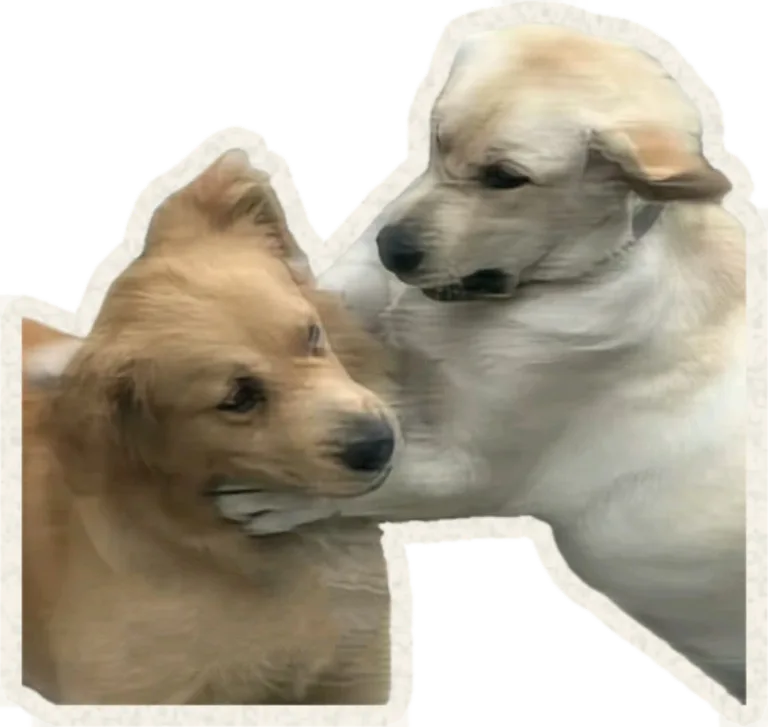
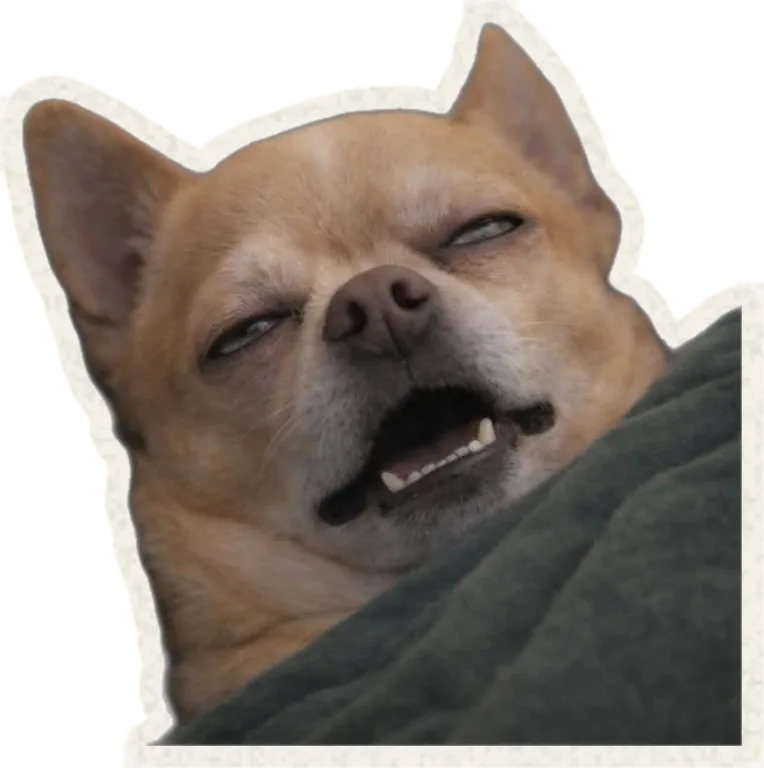
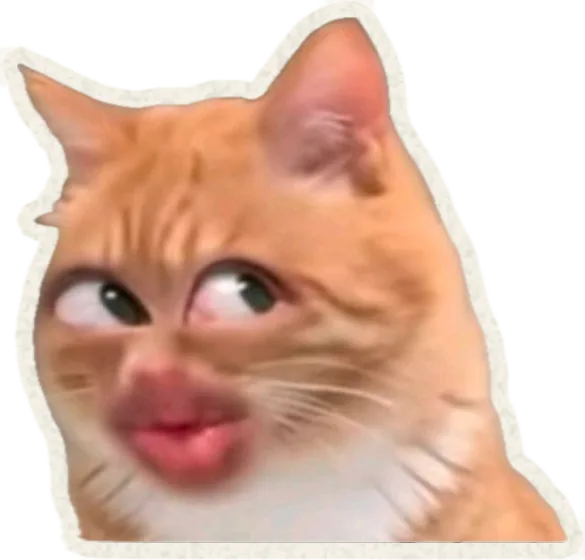
Snap Studio is the part of Zapurr that turns a picture of your pet into a die-cut sticker — cut to the animal, trimmed with a paper edge, and yours to keep on a Board, send down a Chain, or put into the Orbit.
The cut
Pick a photo.
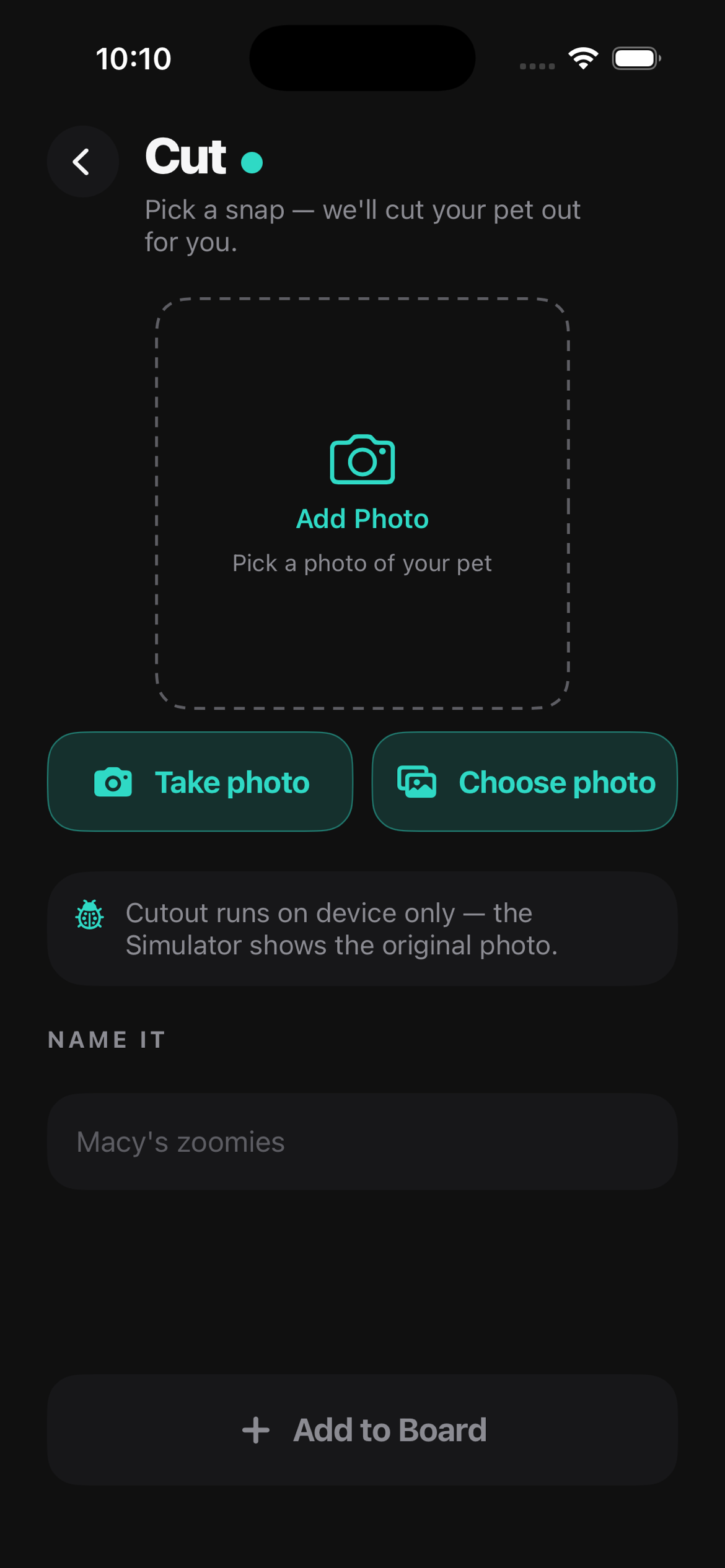
It finds the animal and lifts it out
Open Snap Studio and pick a photo of your pet. From there, a subject mask runs over it and returns the animal on a transparent background. It runs on your device — the photo does not travel to a server to be cut.
The Board
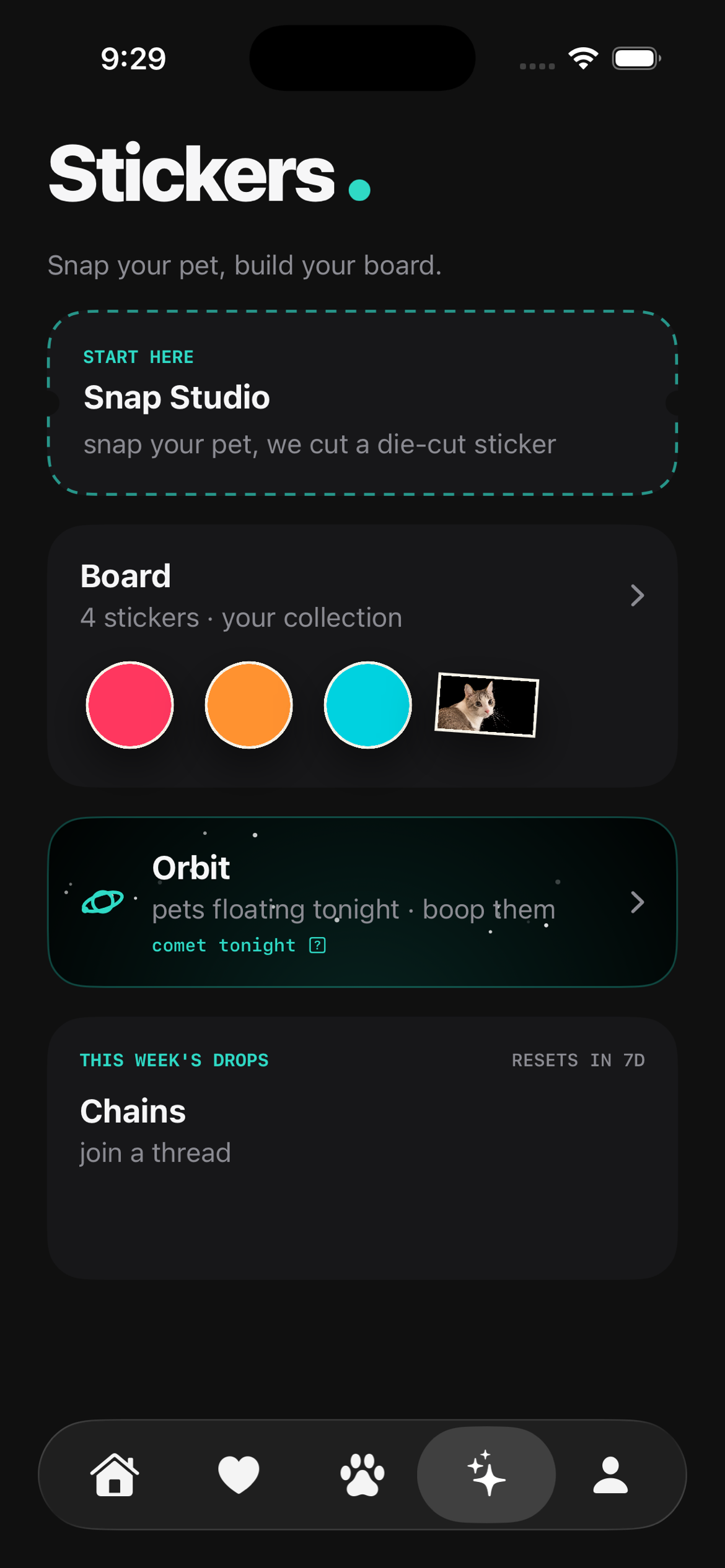
Every sticker
you have made
The Board is your own collection — every cutout you have snapped, in one tilted gallery. Tap one to reopen it in the Studio; hold it to edit or delete.
Finishes
7 ways to trim it
Classic, Teal ring, Prism, Gold Foil, Neon Glow, Stardust, Obsidian. The app renders all 7. This page shows the classic cut, because the classic edge is the only one the renderer behind these pages implements — the rest are worth seeing in the app rather than imitated here.